A QR code guest guidebook lets vacation-rental guests scan a small sign with their phone and open the property's digital welcome guide instantly. It is one of the simplest ways to keep Wi-Fi details, appliance instructions, local recommendations and check-out guidance easy to find inside an Airbnb or holiday let.
The QR code itself is only a doorway. The experience succeeds when the destination is mobile-friendly, clearly labelled, kept current and backed up for essential situations.
How Does a QR Code Welcome Book Work?
A host creates a web-based digital guidebook, copies its guest-facing URL and generates a QR code that points to that address. Guests open their phone camera, scan the code and tap the notification to visit the guide.
No app should be required for basic access. The guide should load quickly on a phone and let guests reach the most common answers within one or two taps.
What Should the QR Code Link To?
Link to a stable landing page for the property—not a temporary PDF download, editable admin screen or general company homepage.
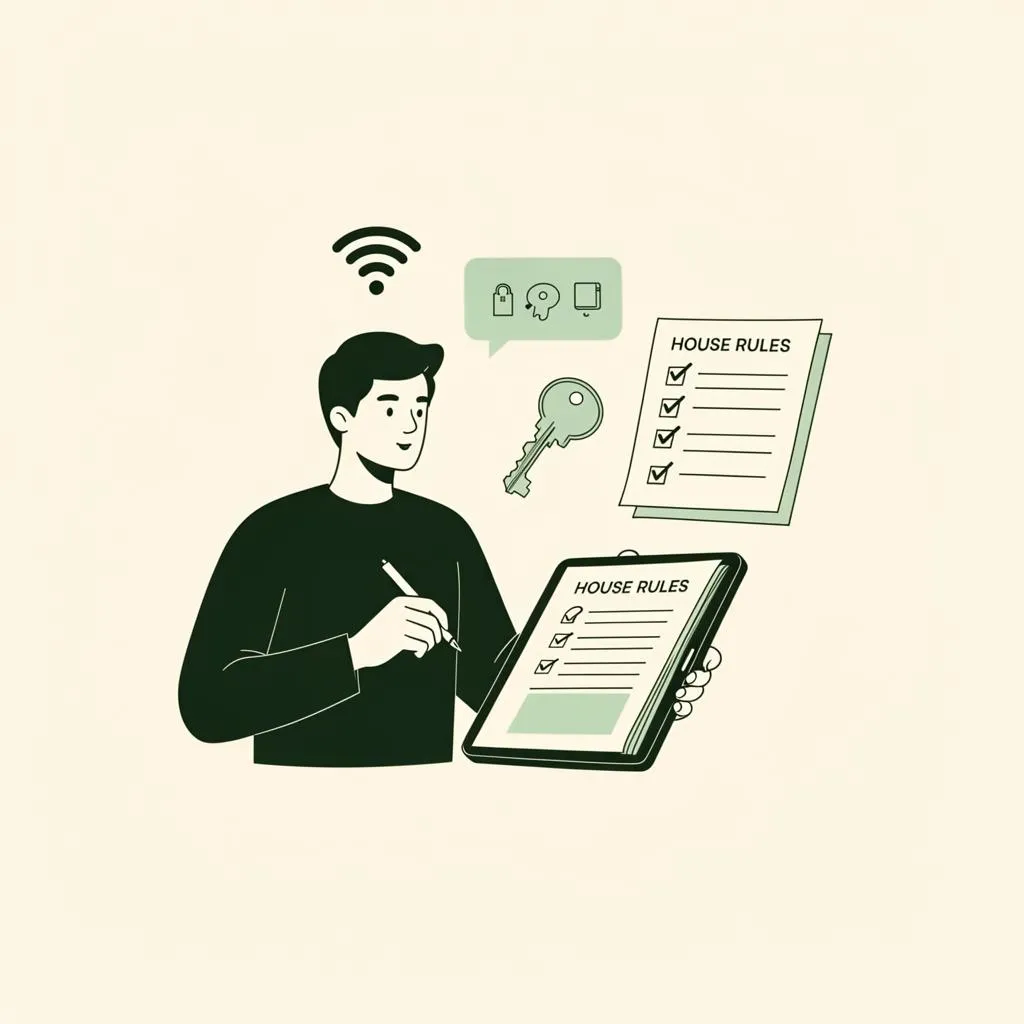
The first screen should provide clear routes to:
- Wi-Fi
- Host or reception contact
- Property instructions
- Food and local recommendations
- House rules
- Safety information
- Check-out
If you are still planning the content, begin with the complete Airbnb welcome book checklist.
Where to Place Guidebook QR Codes
Choose moments where guests naturally need information.
Entrance or Welcome Area
Place the main code on a small card near the key tray or entrance console. This helps guests find Wi-Fi and orientation details immediately after arrival.
Kitchen
A discreet kitchen code can link directly to appliance, recycling and dining information. Deep-linking to the relevant section saves an extra search step.
Complex Amenities
Place a contextual code near a hot tub, sauna, projector or unfamiliar coffee machine only when it improves safe use. Too many QR codes create visual clutter and make the property feel procedural.
Key-Card Wallet or Welcome Note
Hotels and aparthotels can include the code with the room key. Vacation-rental hosts can add it to a concise welcome card.
How to Create a QR Code Guidebook
- Publish the guide at a permanent HTTPS address. The page should be secure and remain available between bookings.
- Generate the QR code. Use a tool that produces a clear, high-contrast code suitable for print.
- Add a useful label. Write what guests will get, such as “Scan for Wi-Fi, house instructions and local recommendations”.
- Test on several phones. Try different camera apps, lighting conditions and scanning distances.
- Print at a practical size. Preserve white space around the code and avoid glossy glare.
- Place it deliberately. Position it where guests pause, at a comfortable scanning height.
- Test the final printed card. A code that worked on screen may fail after poor-quality printing.
QR Code Design Best Practices
- Use a dark code on a light, plain background
- Keep the required clear margin around every edge
- Do not stretch, crop or heavily decorate the code
- Use sufficiently large print for the expected distance
- Avoid reflective surfaces and dim corners
- Add a short web address as an accessibility fallback
- Match the surrounding card to the property's visual identity
Branding should frame the code, not interfere with its scannable structure.
Privacy and Security Considerations
Treat a code displayed inside the property as accessible to any visitor who sees it. Do not place permanent door codes, alarm codes, private staff details or sensitive network administration information on an unrestricted page.
Use your booking platform's secure, time-appropriate communication for sensitive entry details. A guide can explain the entry process without publicly exposing the current code.
If analytics are enabled, collect only what you genuinely need, disclose tracking appropriately and follow the privacy rules that apply to your guests and location.
Always Provide an Offline Backup
A phone may be flat, mobile coverage may be poor and the property's internet may be the very thing a guest is trying to fix. Keep a small printed card with:
- Property address
- Wi-Fi name and password
- Host or reception contact
- Local emergency number
- Essential fire or evacuation instructions
The QR guide enhances resilience only when critical information does not depend entirely on connectivity.
Common QR Guidebook Mistakes
Linking Directly to a Replaceable File
If a PDF filename changes, every printed code can break. Use a stable guide URL that can be updated behind the scenes.
Printing Without Context
A mysterious QR code gives guests no reason to scan it. Always state its purpose.
Hiding the Code in a Decorative Display
The card should complement the room, but it must remain visible enough to be useful. Place it near a natural guest touchpoint.
Requiring an Account or App
Account creation is excessive friction for simple property information. Let guests open the essential guide immediately.
Forgetting to Retest
Test every physical code after changing domains, publishing systems or access settings. Add the check to your quarterly property audit.
Frequently Asked Questions
Can guests scan a QR code without an app?
Most modern phones can scan QR codes through the built-in camera. A short written URL provides a fallback for devices or accessibility needs.
Should the QR code include the Wi-Fi password?
The linked guide can display guest Wi-Fi details, but keep the password on a printed backup too because guests may need connectivity to open the page.
How many QR codes should a vacation rental have?
One well-placed main code is enough for many properties. Add a small number of contextual codes only where they solve a specific task.
Does the QR code need to change when I update the guide?
Not when it points to a stable URL. Update the page at that address and the same printed code will continue to work.
What are the wider benefits of a digital guide?
It can simplify arrival, centralise property information and help reduce repetitive guest messages. Our Airbnb digital guidebook guide covers the full strategy.
Make the Scan Worthwhile
A QR code earns its place in the room when it leads to something faster and more helpful than a paper folder. Give it a clear label, link it to a purposeful mobile guide and maintain the information as carefully as any other part of the property.
The result is a small physical touchpoint that quietly connects guests to the whole stay.