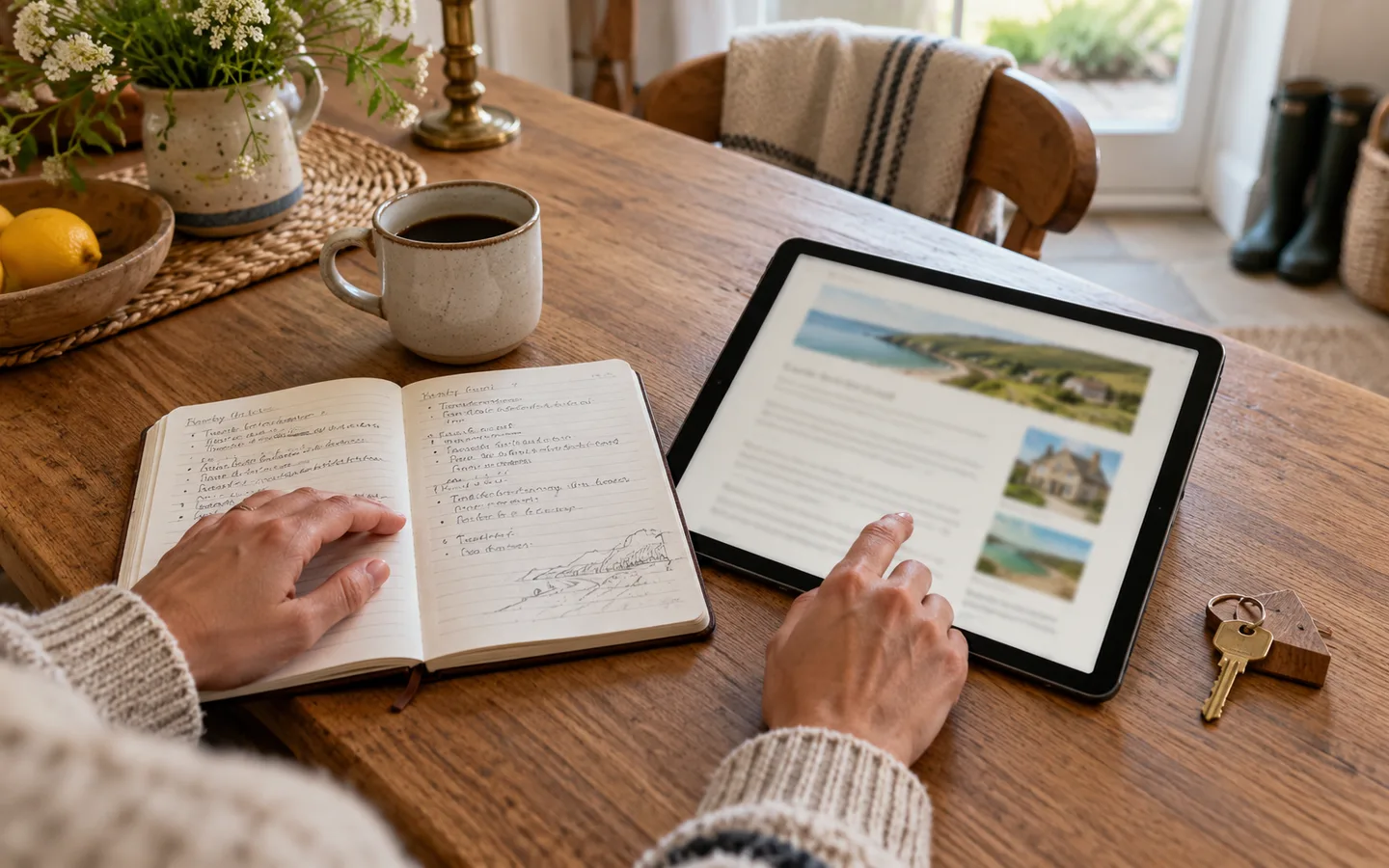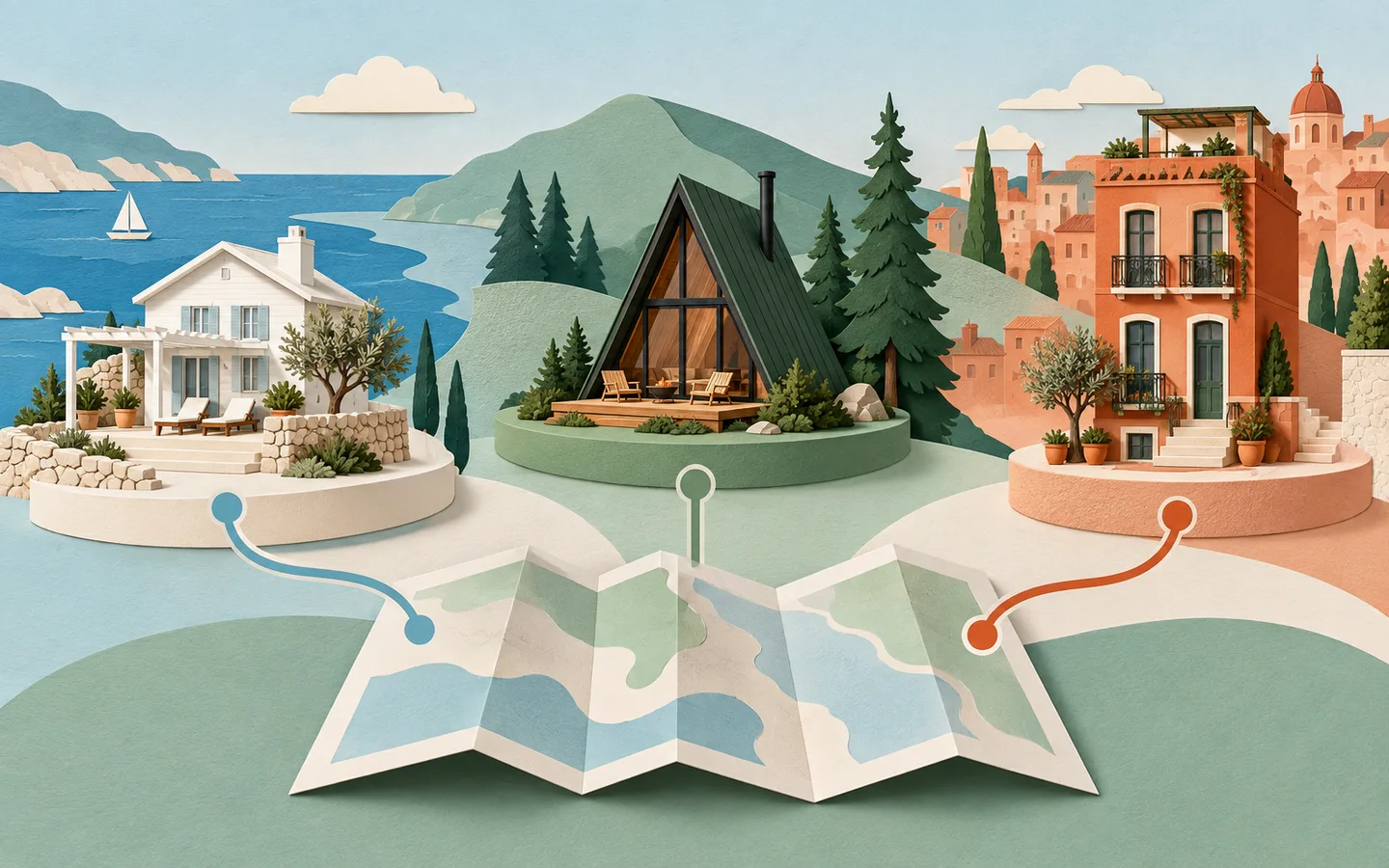
A digital guidebook for Airbnb gives guests one mobile-friendly place to find everything they need before, during and after their stay. It can contain check-in directions, Wi-Fi details, appliance instructions, house rules, local recommendations and check-out steps—without asking guests to download another app.
For hosts, the value is simple: fewer repetitive questions, more consistent information and a guest experience that feels organised from the moment a booking is confirmed.
What Is an Airbnb Digital Guidebook?
An Airbnb digital guidebook is an online property manual designed for short-term rental guests. It is usually shared through a private web link or QR code and opens in the guest's browser on a phone, tablet or computer.
Unlike a message thread, the information remains structured and easy to revisit. Unlike a printed binder, it can be updated instantly. Guests can use it to answer practical questions such as:
- Where should we park?
- How do we open the lockbox?
- What is the Wi-Fi password?
- How does the heating work?
- Which nearby restaurant is best for children?
- What do we need to do before checking out?
A guidebook does not replace personal hospitality. It removes routine friction so the host can spend more time helping when a personal response genuinely matters.
The Main Benefits for Airbnb Hosts
1. Fewer Repetitive Guest Messages
Most guest questions are predictable. Hosts repeatedly explain parking, entry, Wi-Fi, heating, rubbish and check-out because those answers are scattered across listing details, scheduled messages and signs inside the property.
A digital guide creates one source of truth. Share the same link at booking, before arrival and inside the accommodation so guests always know where to look.
2. Smoother Self Check-In
Self check-in only feels effortless when every step is clear. A useful guide can combine written directions with photographs of the correct entrance, parking bay, gate and lockbox. It can also explain what to do if the code fails.
That clarity is especially valuable for late arrivals, rural properties and buildings with several similar entrances.
3. Better Use of Property Amenities
Guests cannot enjoy features they do not understand. Clear instructions help them confidently use the coffee machine, thermostat, hot tub, television and other amenities. They can also reduce accidental damage caused by guesswork.
Keep each instruction short. Use numbered steps, name the control exactly as it appears and add a close-up image when the device is unfamiliar.
4. More Consistent House Rules
A guidebook gives house rules a natural home. Instead of sending an intimidating block of restrictions, organise guidance around the guest journey: arrival, during the stay and departure.
Explain the reason behind less obvious rules. Guests are more likely to respect quiet hours when they understand that the property shares a wall or sits in a close residential community.
5. Stronger Local Recommendations
Thoughtful recommendations help a rental compete on experience, not just rooms and amenities. Share a selective list of places you genuinely trust, including practical notes about booking, parking, dietary options and the best time to visit.
This is where an independent host can offer something a generic travel search cannot: local judgement.
6. Easier Updates Across Every Stay
Restaurant hours change. Roads close. Appliances are replaced. A web-based guide can be corrected once, with the current version immediately available to every future guest.
This avoids the common problem of one instruction appearing differently in an old PDF, a printed folder and an automated message.
What Should an Airbnb Digital Guidebook Include?
At minimum, include:
- Welcome and host contact details
- Property address and arrival directions
- Parking and entry instructions
- Wi-Fi name and password
- Heating, cooling and appliance guidance
- House rules and safety information
- Local food, shopping and activity recommendations
- Check-out time and departure tasks
Our complete Airbnb welcome book checklist provides a room-by-room list you can follow while building yours.
Digital Guidebook vs Printed Welcome Book
| Digital guidebook | Printed welcome book |
|---|---|
| Available before arrival | Available only at the property |
| Updated instantly | Must be reprinted |
| Searchable and linkable | Requires page-by-page browsing |
| Opens on a guest's own phone | Useful without internet or power |
| Supports maps and booking links | Offers a tactile, familiar format |
The most resilient setup uses a digital guide as the main source of information and a small printed emergency card as backup. Place the Wi-Fi, host contact, property address and emergency essentials on that card.
How to Create a Digital Guidebook
Step 1: List Your Recurring Questions
Review recent guest messages and write down every question asked more than once. Those conversations reveal where guests experience uncertainty and should shape the first version of your guide.
Step 2: Organise Information by Guest Journey
Use a structure guests already understand:
- Before arrival: directions, parking, access and what to bring
- On arrival: entry, Wi-Fi and immediate orientation
- During the stay: amenities, appliances, rules and local places
- At departure: check-out time, keys and essential tasks
Step 3: Write for a Small Screen
Lead each page with the answer. Use short paragraphs, descriptive headings and numbered steps. Avoid uploading a long PDF designed for A4 paper; guests should not need to pinch, zoom or hunt through pages.
Step 4: Add Only Useful Images
Photograph details that remove uncertainty: the correct turn, entrance, lockbox, thermostat and unusual appliance controls. Give every image descriptive alternative text so its purpose remains clear.
Step 5: Share It at the Right Moments
Include the guide link in the booking confirmation or pre-arrival message, then display a QR code inside the property. Guests should never have to search an old message to find it.
Step 6: Test and Maintain It
Open the guide as if you were a first-time guest. Test every link, follow every instruction and review the content whenever the property or local recommendations change.
How a Digital Guidebook Can Improve the Guest Experience
Guests value independence, but they also want to know that help is available. A well-designed guidebook supports both needs. It provides immediate answers while keeping the host's contact information visible for situations that require attention.
The experience improves when the guide is:
- Fast to open and easy to scan
- Written in a warm, direct voice
- Accurate for the specific property
- Available before arrival
- Clear about emergencies and support
- Curated rather than overloaded
For a closer look at operational impact, read how digital guidebooks reduce guest questions.
Frequently Asked Questions
Do Airbnb guests need to download an app?
Not if the guidebook is web-based. A browser link or QR code creates the lowest-friction experience because guests can open it immediately.
When should I send the digital guidebook?
Share general planning information after booking and arrival details at the point allowed by your booking platform and security process. Send a reminder shortly before check-in and provide the same guide inside the property.
Can I use one guidebook for several properties?
Each property should have its own accurate arrival, safety and appliance information. You can reuse brand styling and regional recommendations, but never make guests work out which instructions apply to their accommodation.
Is a digital guidebook suitable for hotels?
Yes. Hotels use digital guest directories to present services, dining, amenities and local information at scale. Read our digital hotel compendium guide for the hotel-specific approach.
A Better Welcome Starts With Clarity
The most effective Airbnb digital guidebooks are not the longest. They anticipate the right questions, provide confident answers and reflect the care that went into the property itself.
Build the essential pages first, share them consistently and improve the guide with questions from real stays. Over time, it becomes both a guest-experience tool and a practical operating system for your rental.